Classic
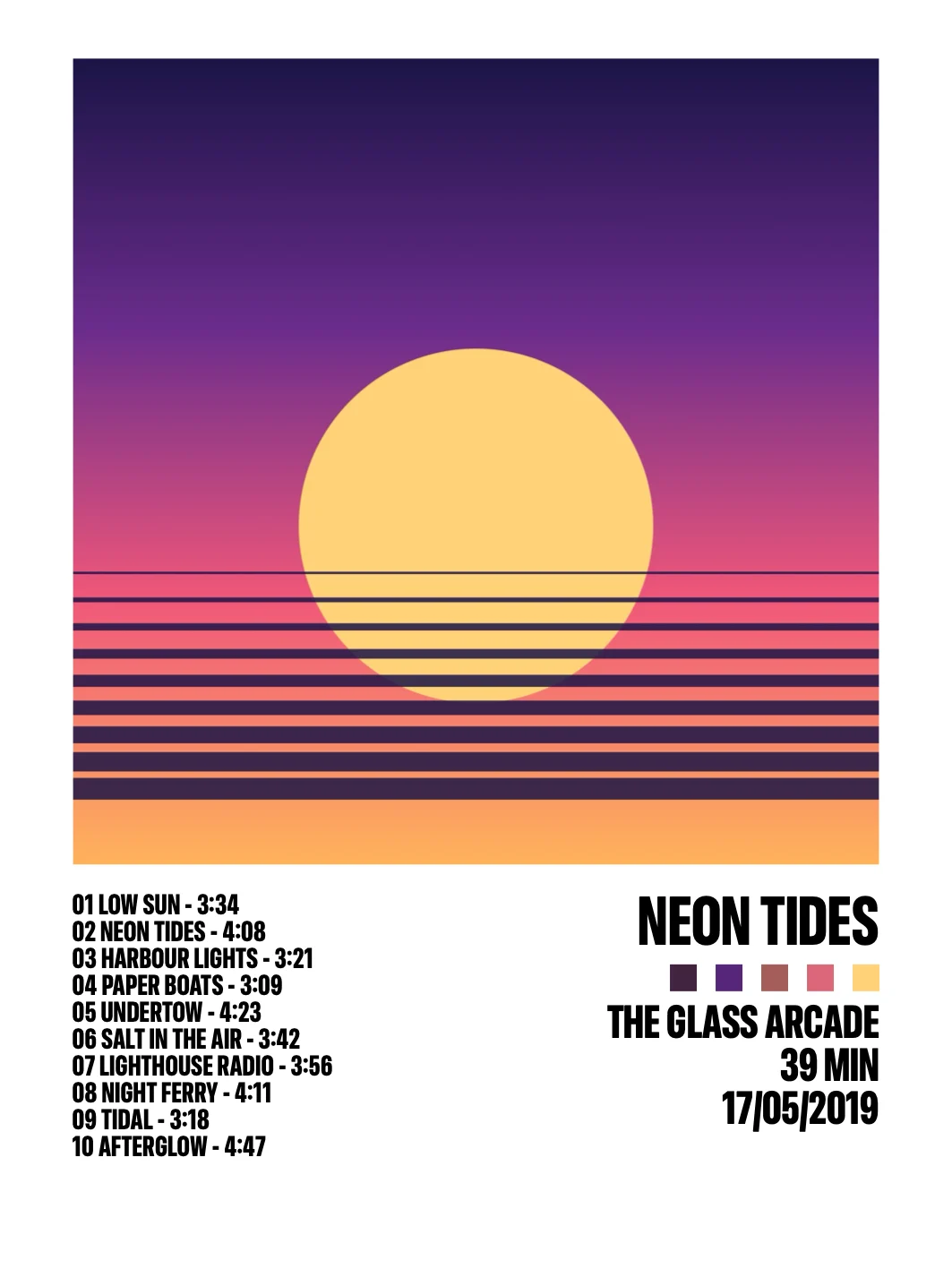
The cover, the title, five colours from the cover and the tracklist in two columns.
A1Welcome
Turn any album into a print-ready poster: its cover, its colours and its tracklist, in eight styles. For iPhone, iPad and Mac.
Coming soon to the App Store

A2Find
Search MusicBrainz, the open music encyclopedia. TrackPrint brings in the cover, the tracks with their lengths and the release date.
Albums, tracks and release dates, kept up by its community. No account needed.
The covers, from MusicBrainz and the Internet Archive.
A3Styles
Every style lays out the same album its own way, each with its own typefaces. Flip through them and pick the one that fits your wall.
The cover, the title, five colours from the cover and the tracklist in two columns.
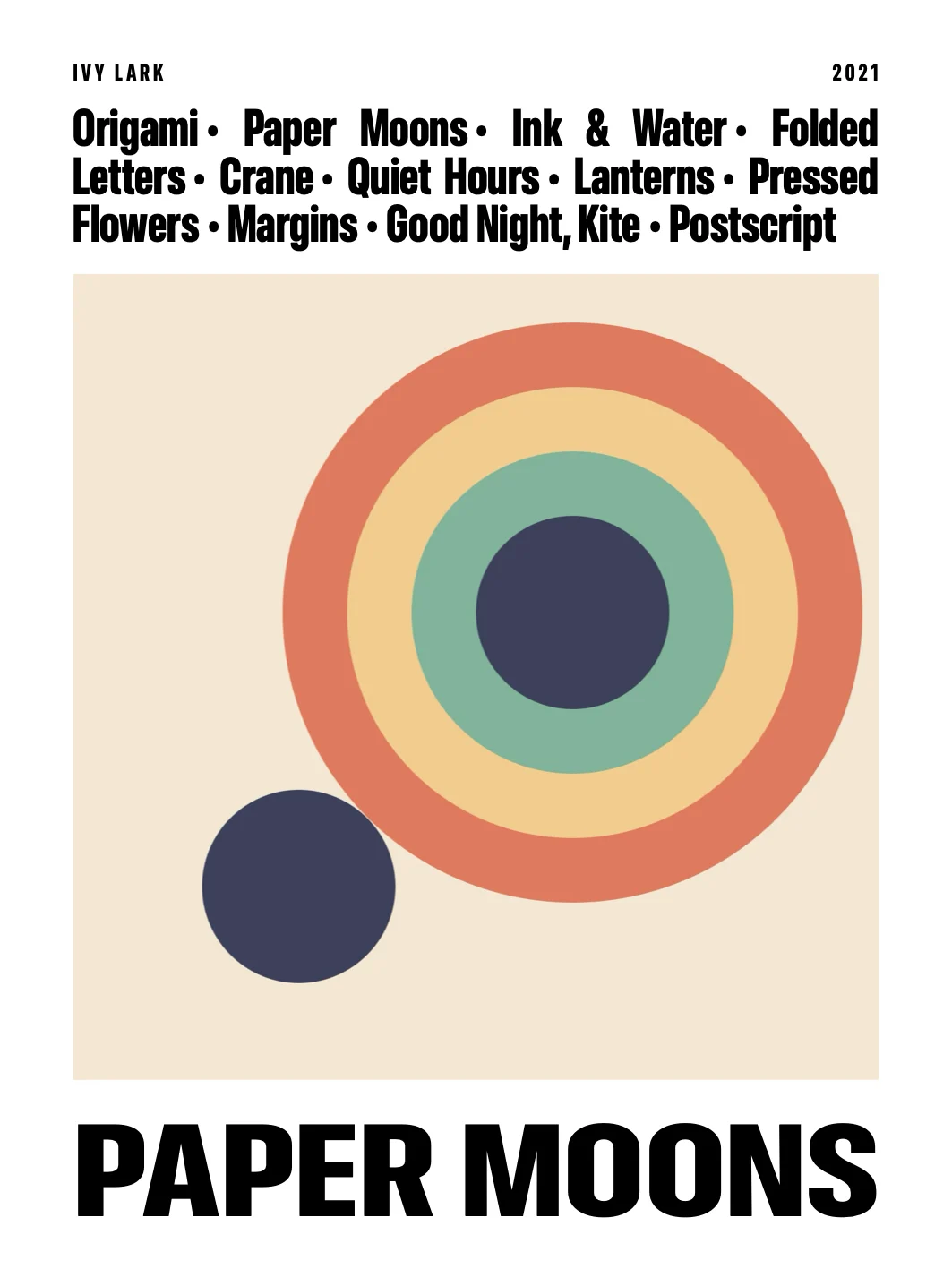
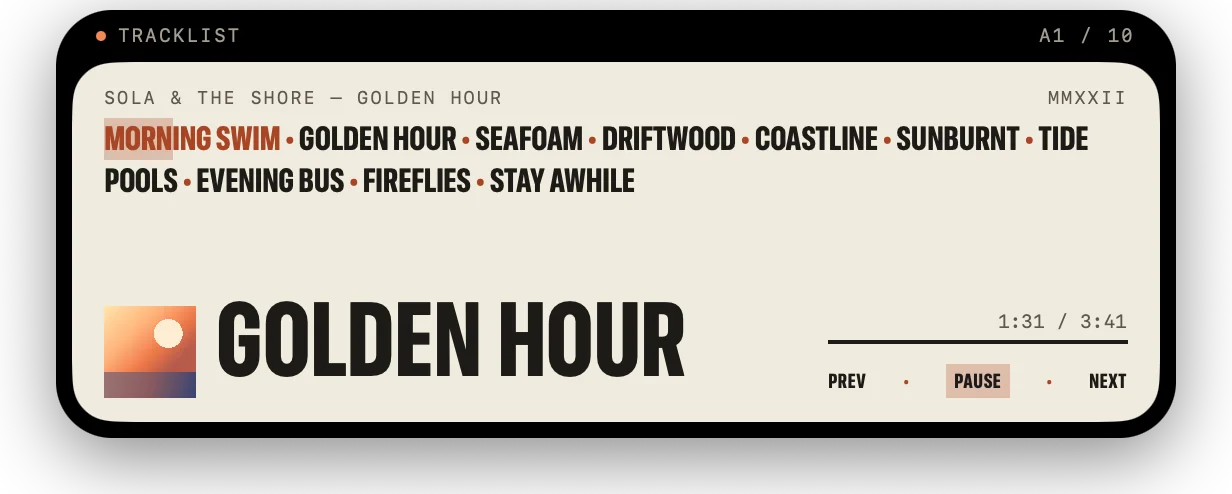
The songs run together above the cover, the title in capitals below it.
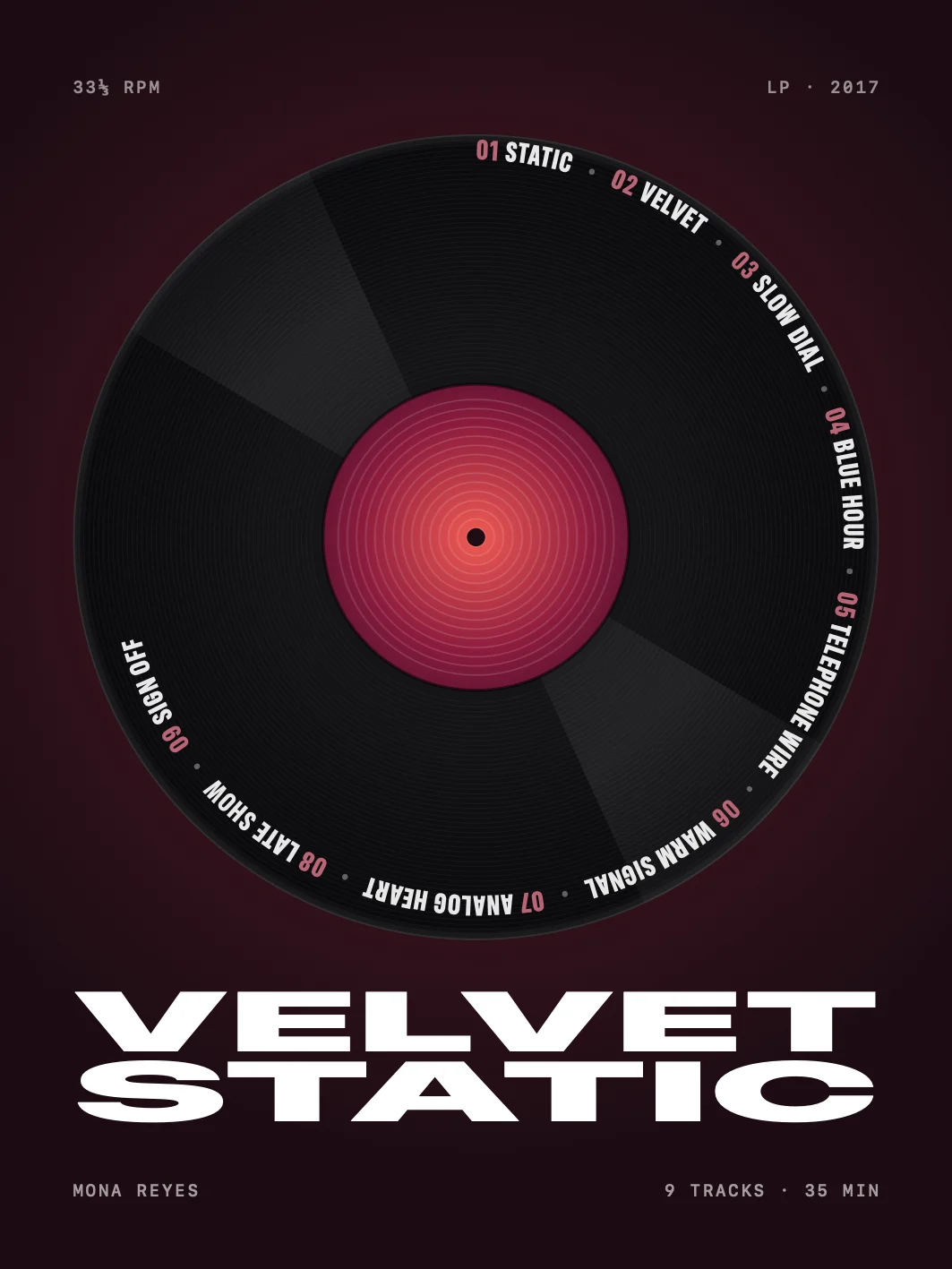
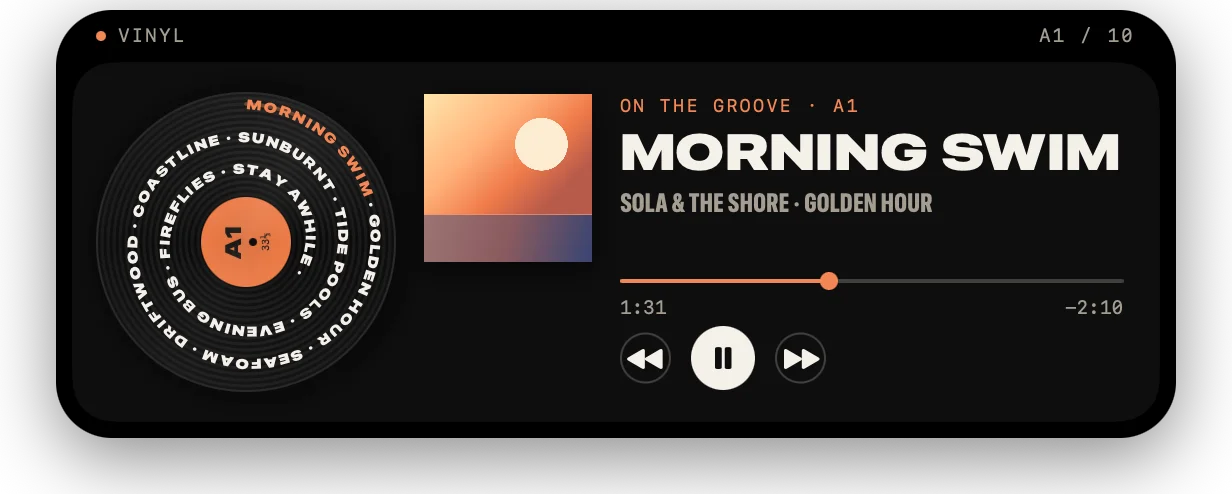
The songs along one spiral groove, with the cover as the record’s label.
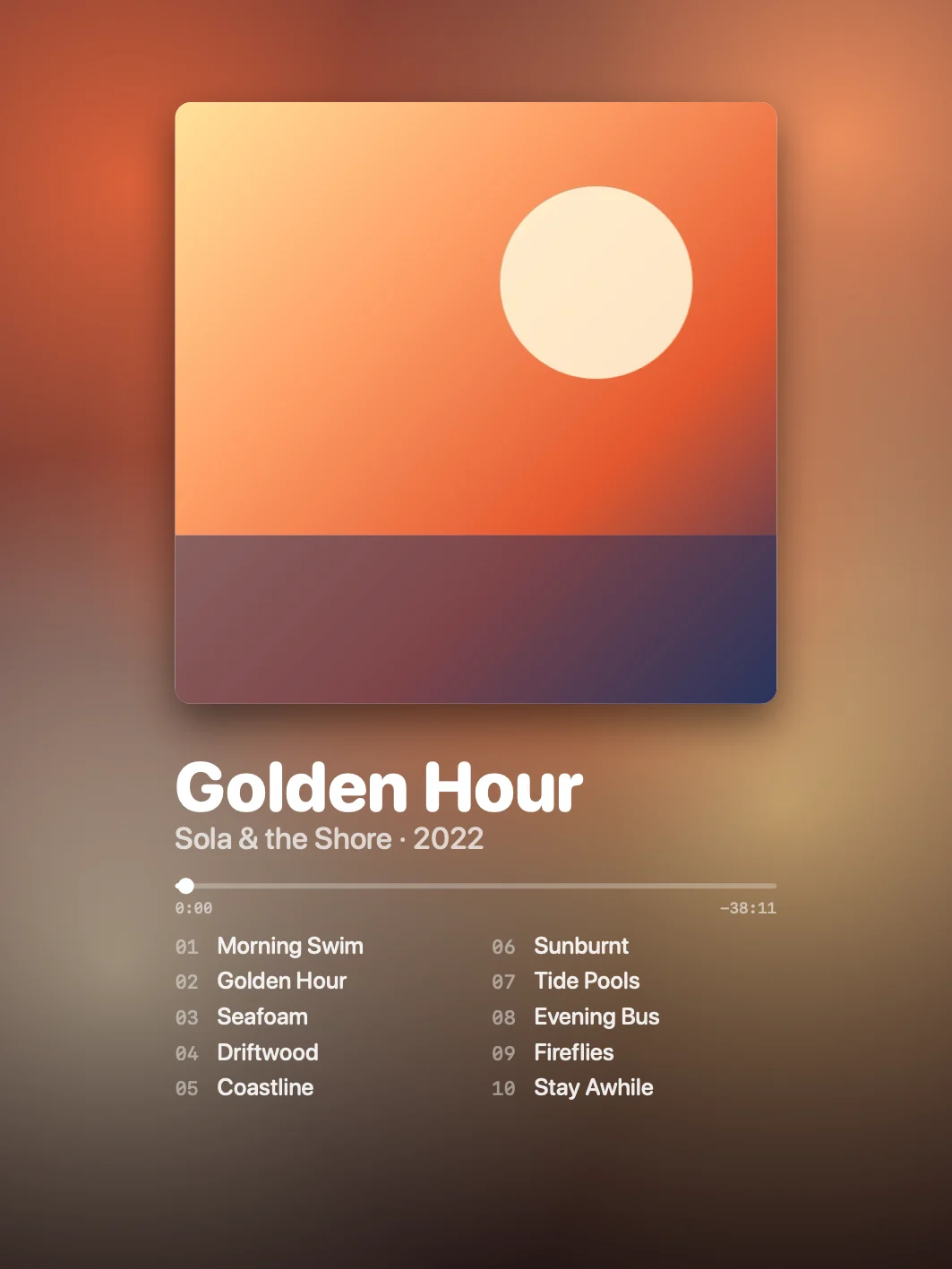
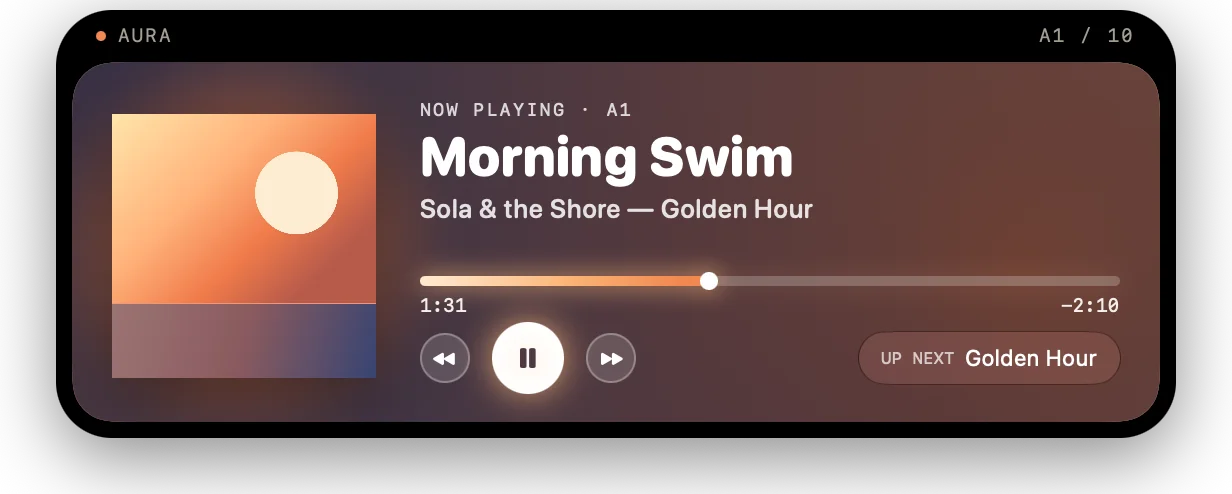
A colour field mixed from the cover, with the running time as a playback bar.
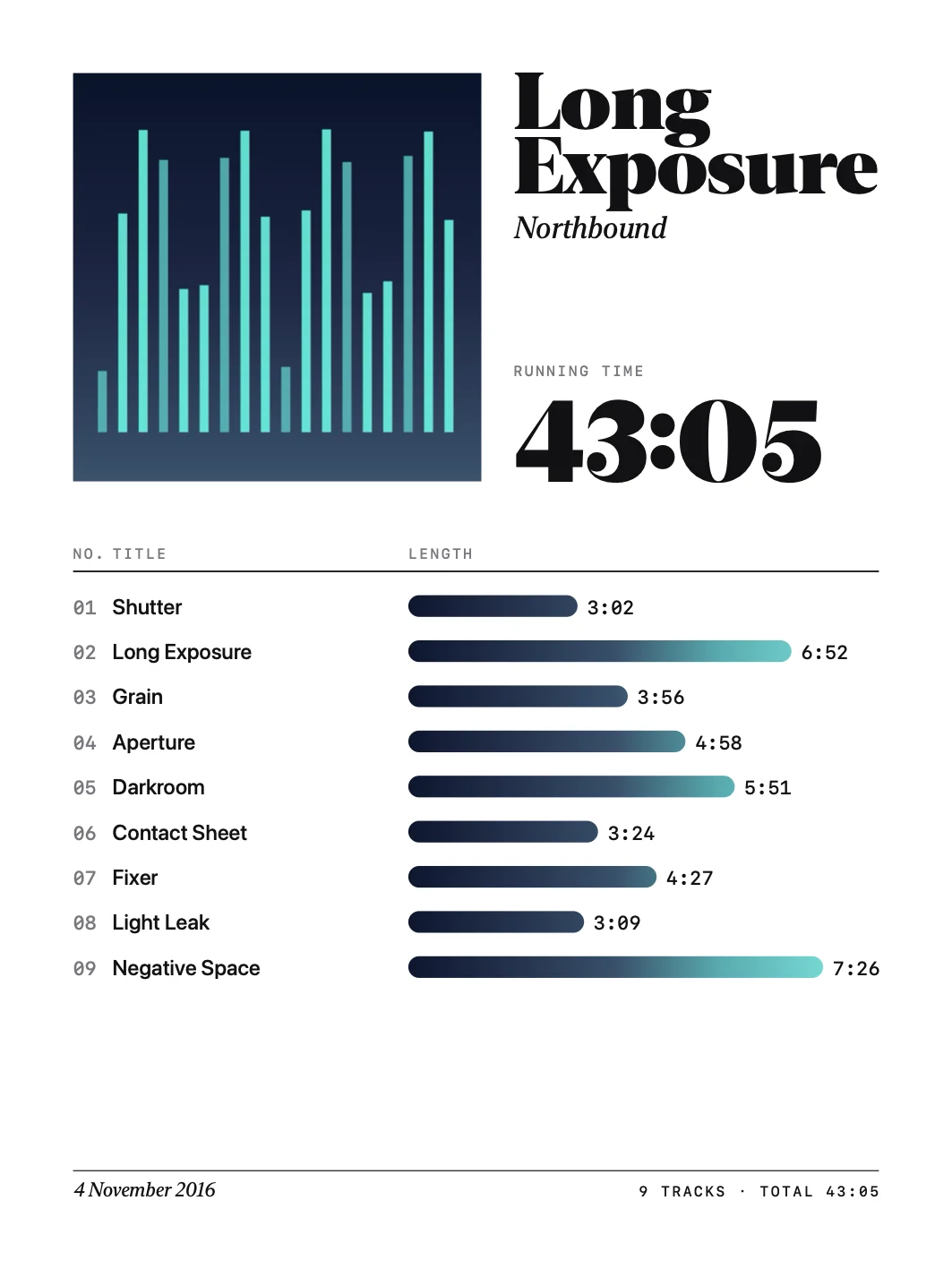
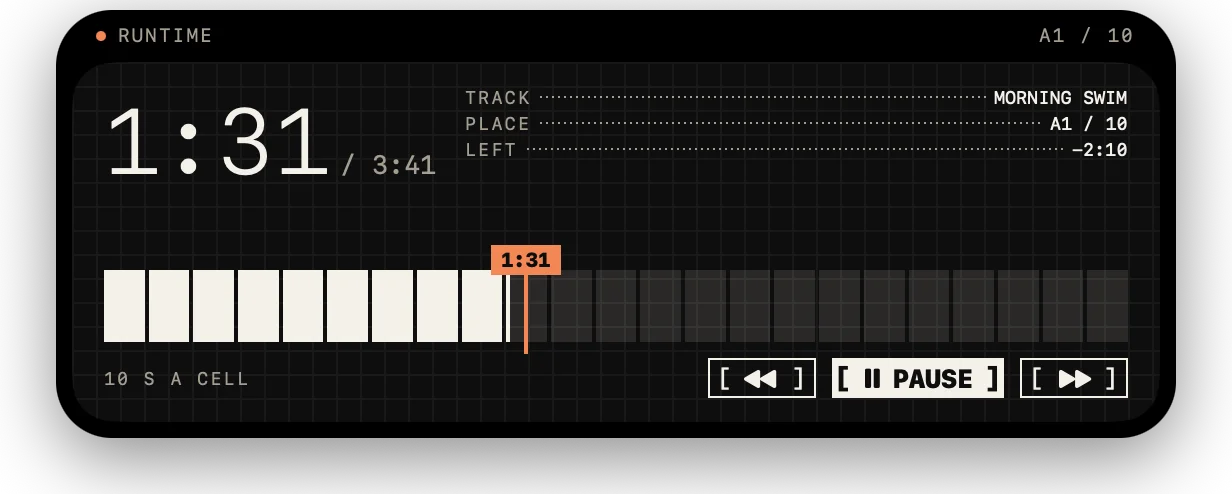
Every track as a bar as long as it plays, in one gradient of the cover’s colours.
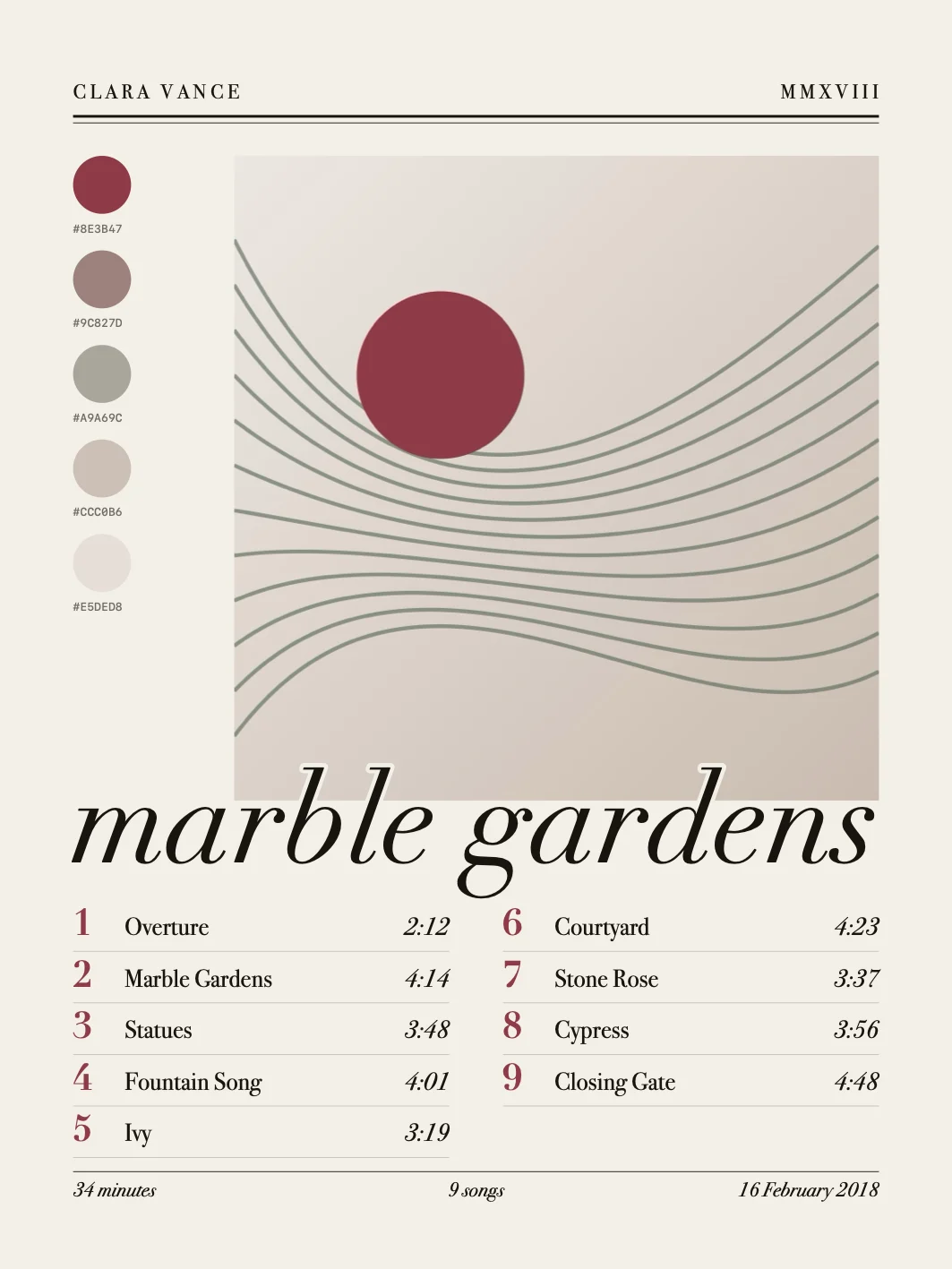
A magazine cover on paper, the year in Roman numerals and the title in italics.
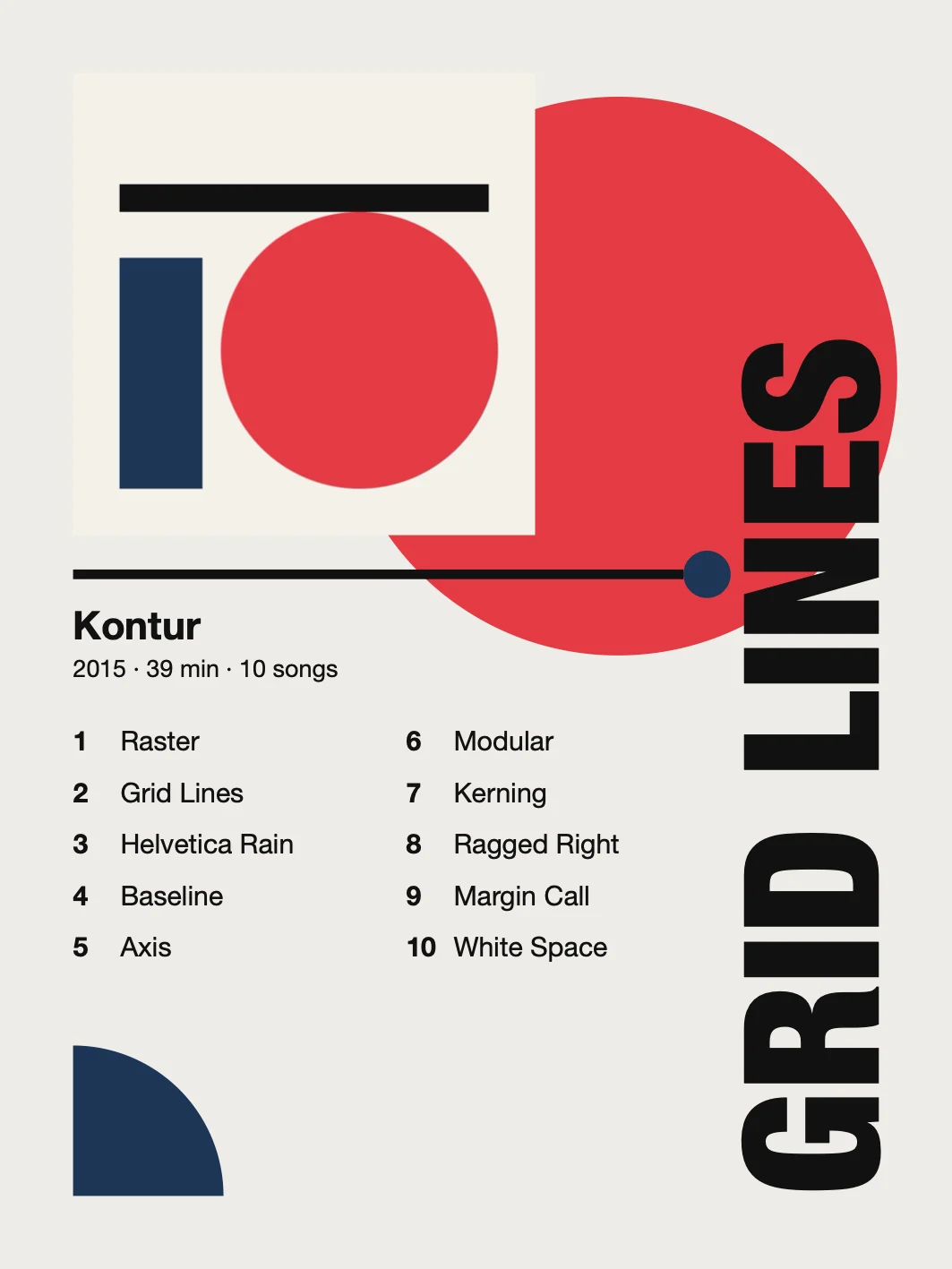
Flat shapes in the cover’s strongest colour and the title turned up the edge.
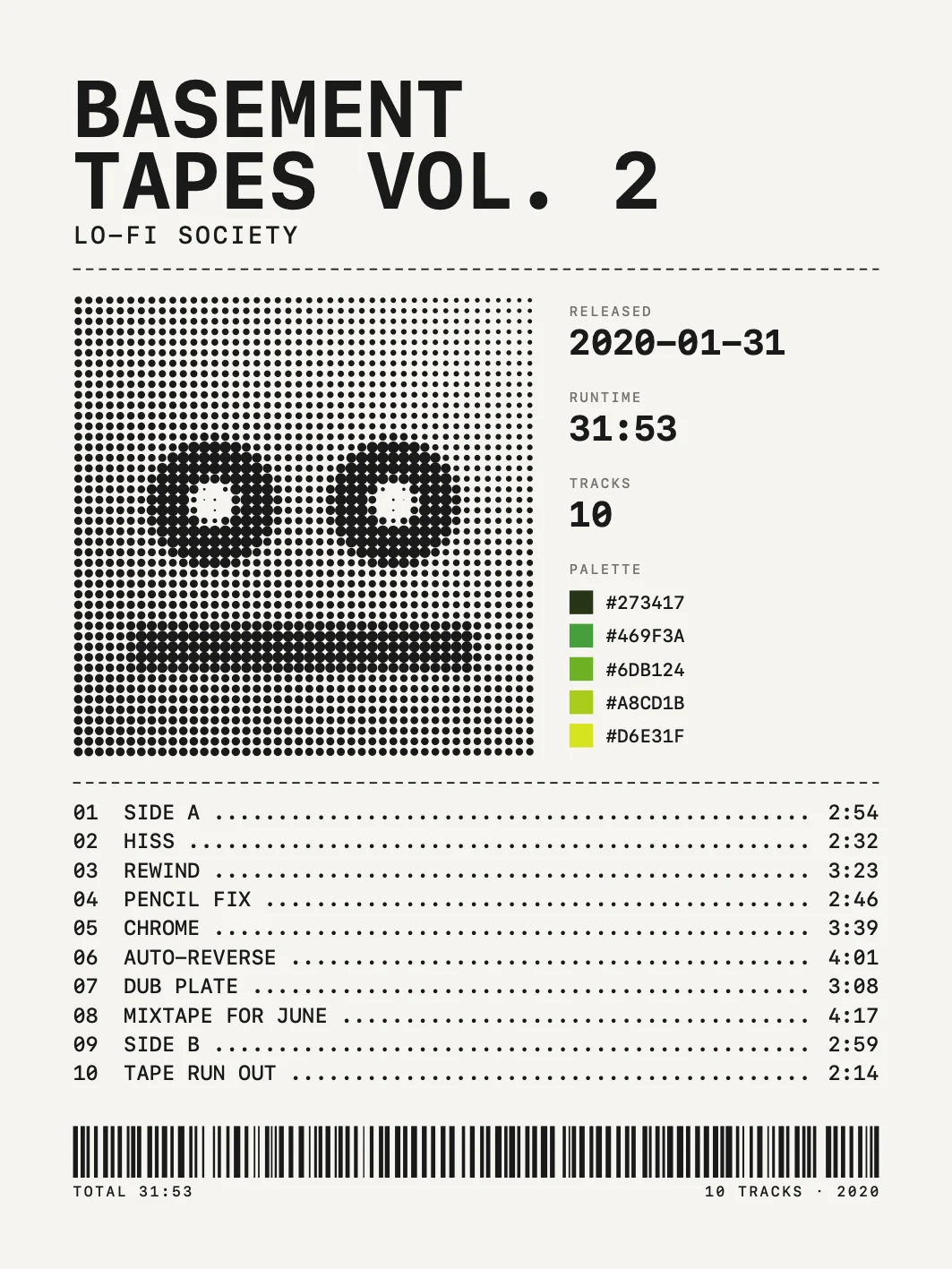
A cassette J-card in monospace, the cover in halftone and a barcode of the songs.
A4Adjust
TrackPrint picks five colours from the cover and builds every style around them. Choose the style, the typefaces and the format, and watch the poster change as you go.
A5Print
Pick a format and export the poster at full resolution, ready for your own printer or a print shop.
15 × 20 cm, 300 ppi
20 × 30 cm, 300 ppi
1080 × 1350 px
1080 × 1920 px
Or a size of your own. Export as JPEG, PNG or PDF.
TrackPrint is for posters for your own wall. Album covers, titles and names belong to their artists, labels and photographers.
Side B4 Tracks
TrackPrint plays along, too. Side B is the album you’re listening to in the Music app, drawn after the eight styles.
B1Now Playing
See what the Music app is playing in a player drawn after each of the eight styles. Open the album and tap a song to play it, or go full screen.
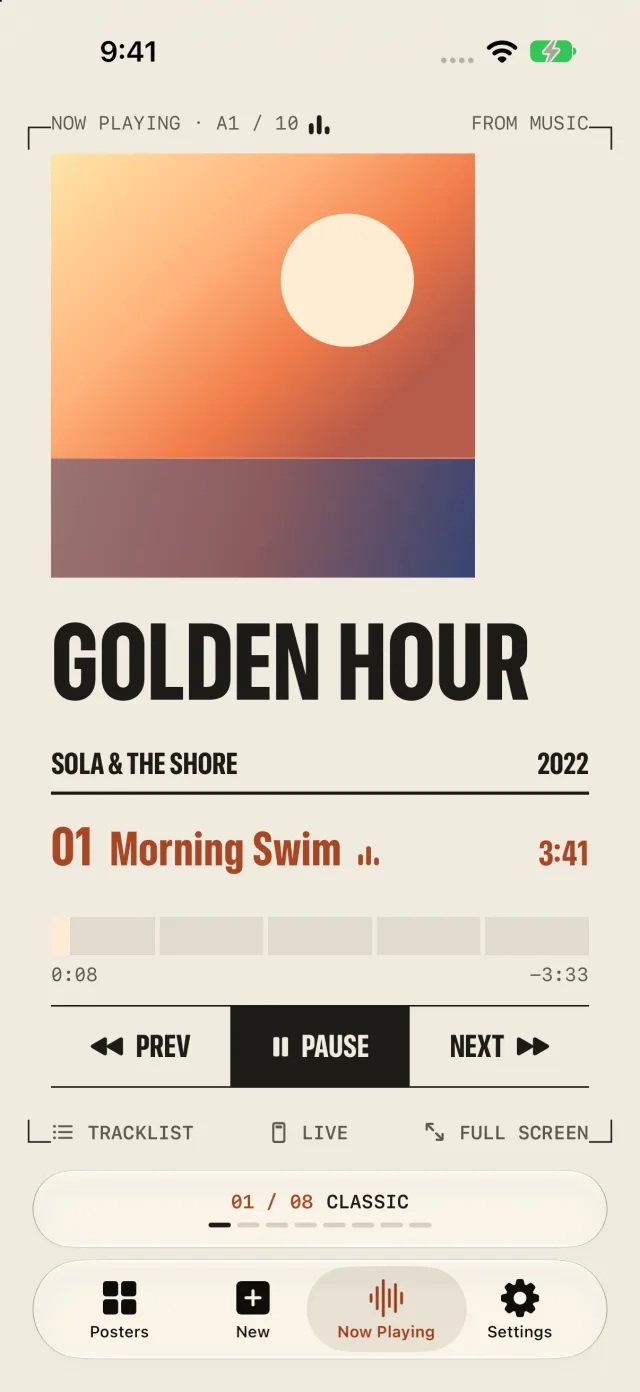
The Poster. The poster in its crop marks, its five colours filling in turn as the song plays.
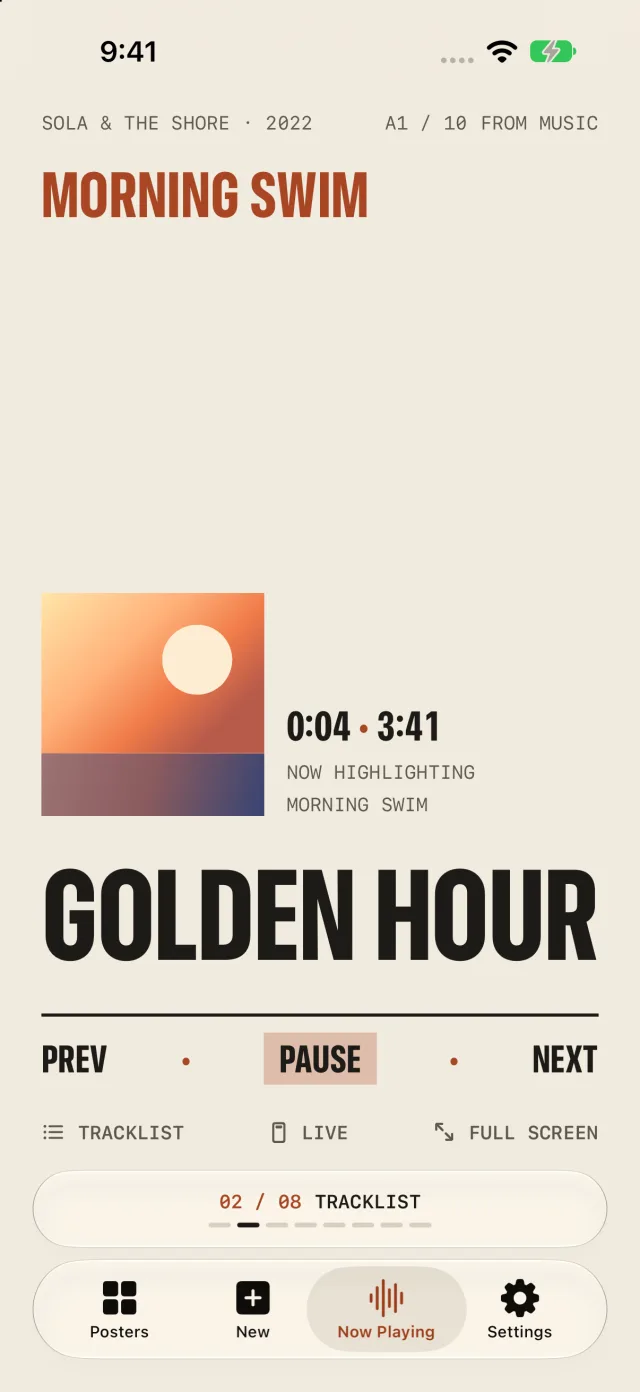
Wall of Words. The album’s songs run together, the one playing lit up as far as it has played.
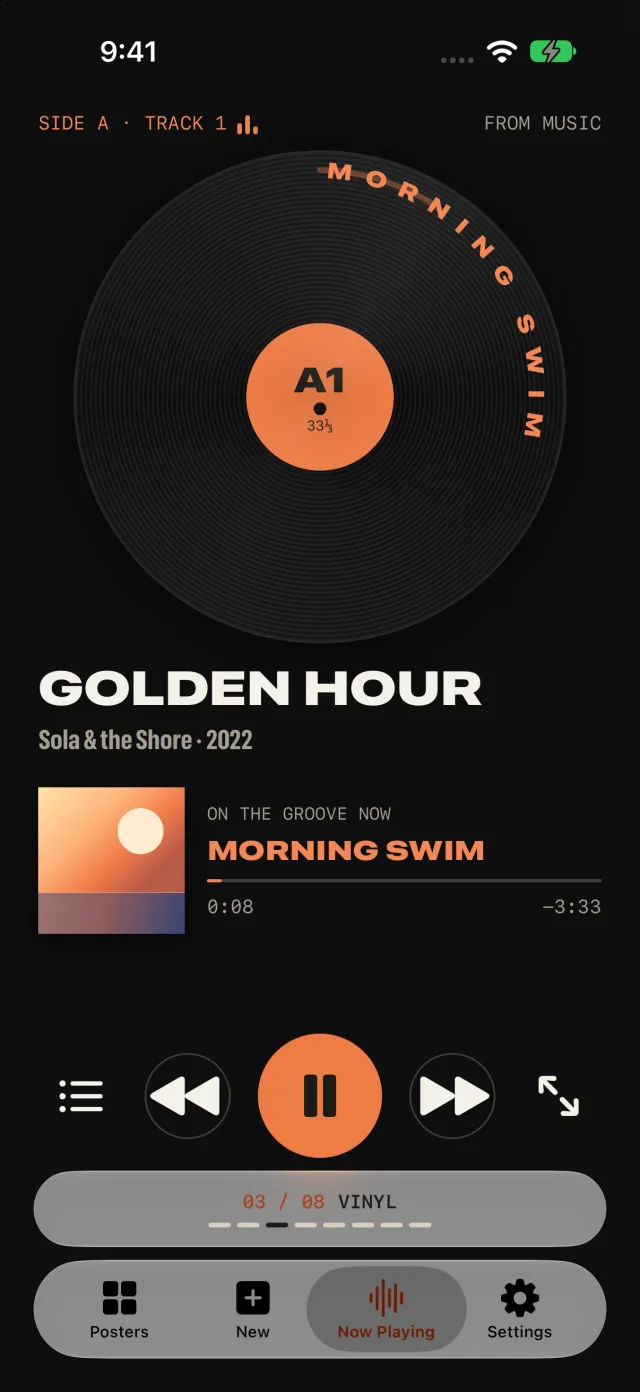
The Groove. The record turns at 33⅓, the album’s songs along its groove.
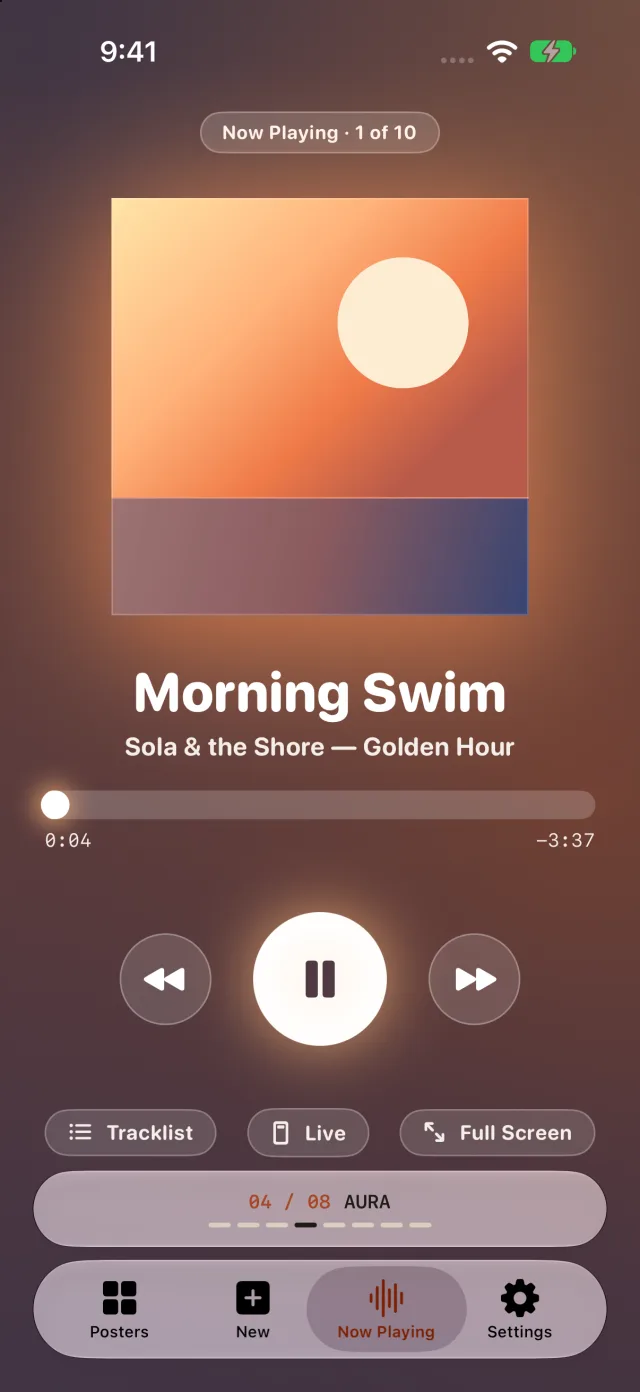
Glow. The cover under a warm halo, glass buttons and what plays next.
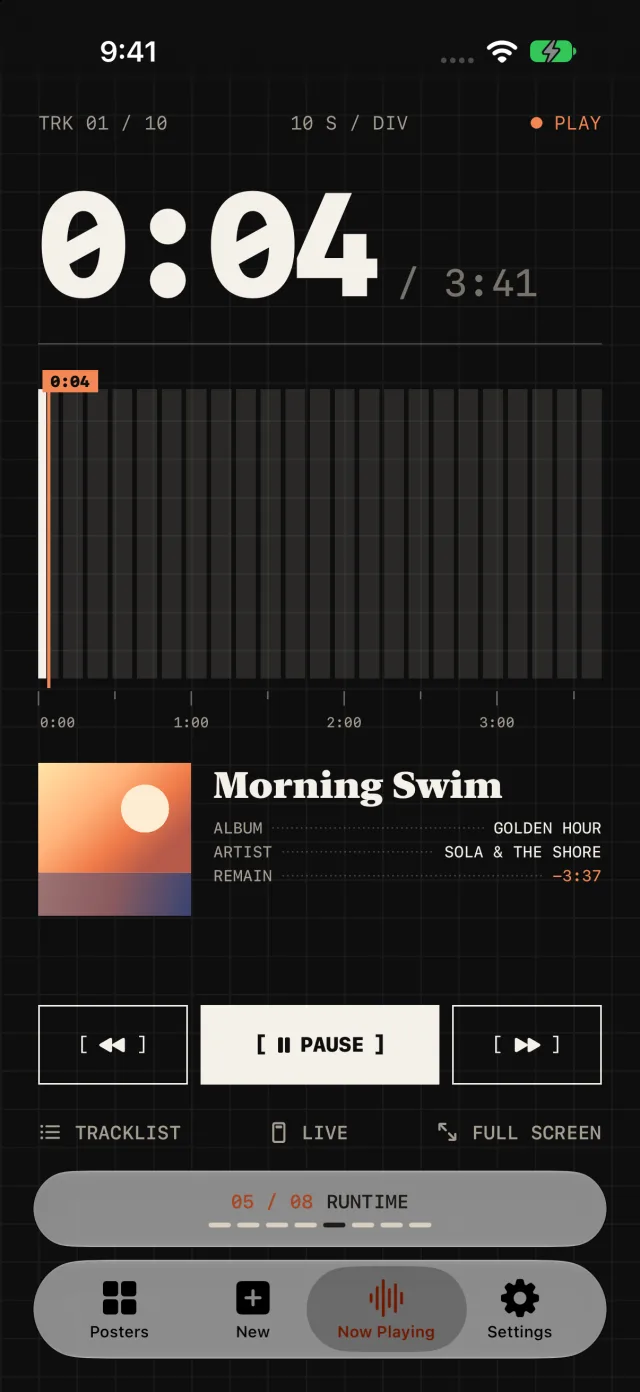
Instrument. The time played, huge, over the song’s ten-second segments on graph paper.
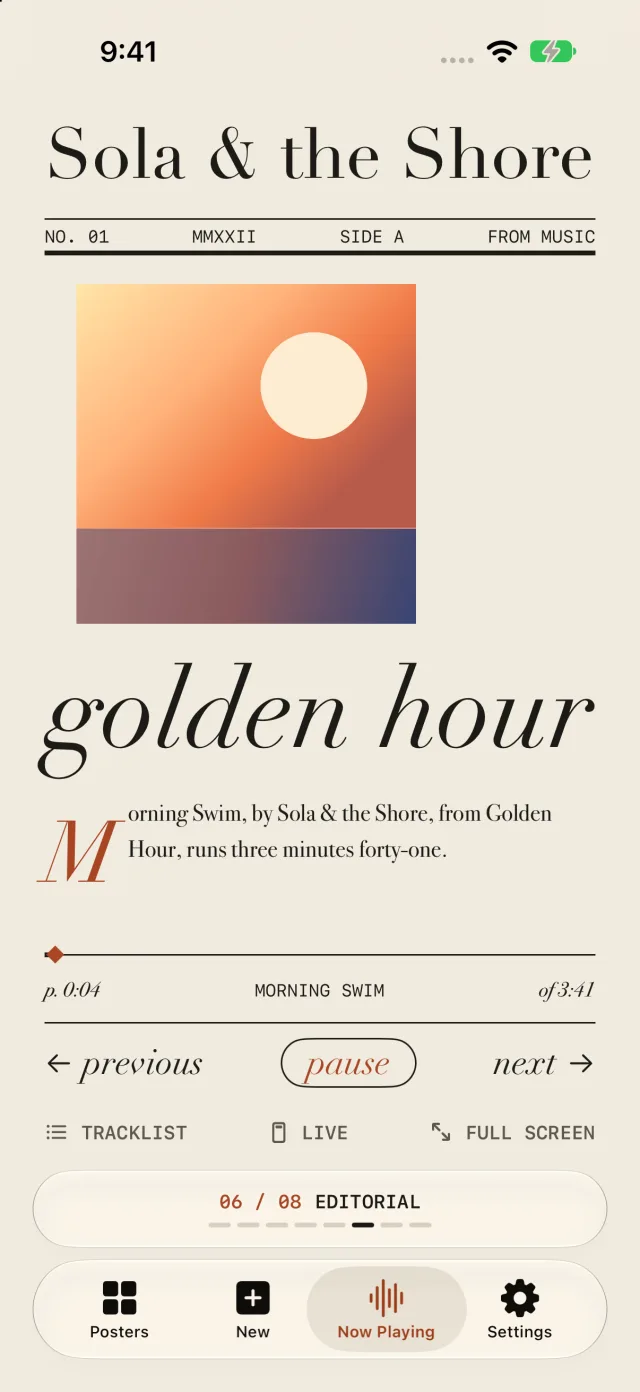
Magazine. The artist as the masthead and an opening paragraph on what plays.
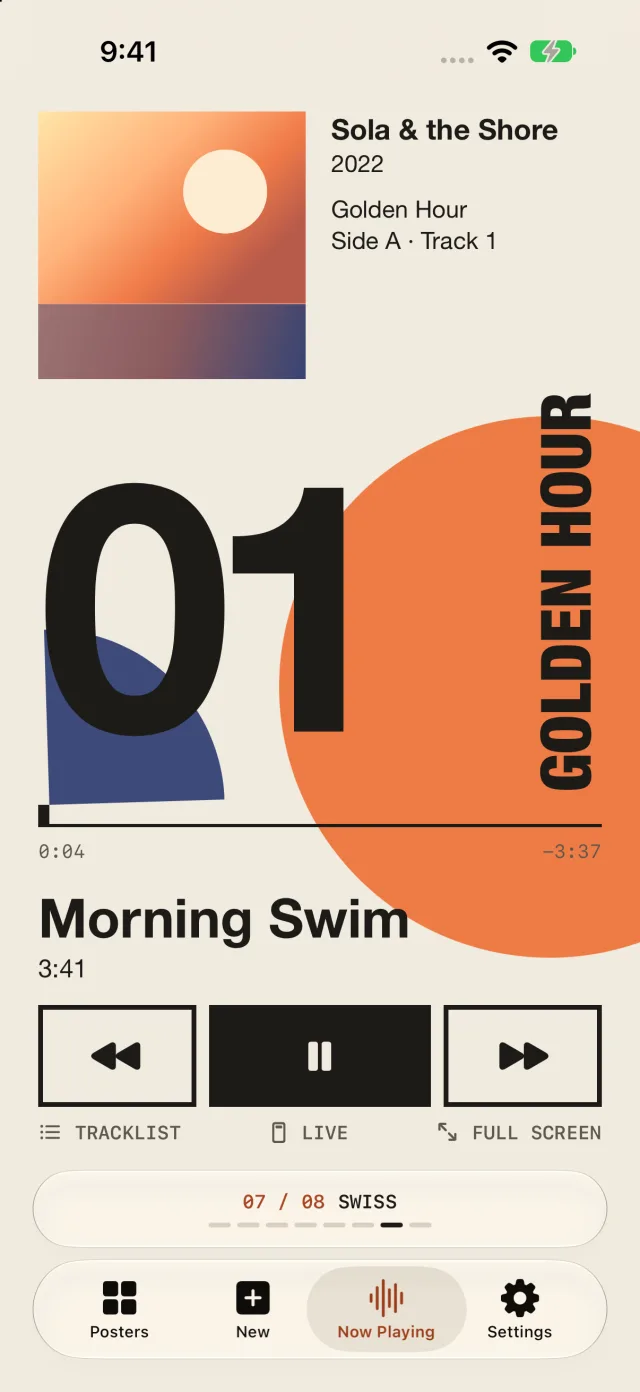
Bauhaus. The huge circle, the track’s number giant and the title up the edge.
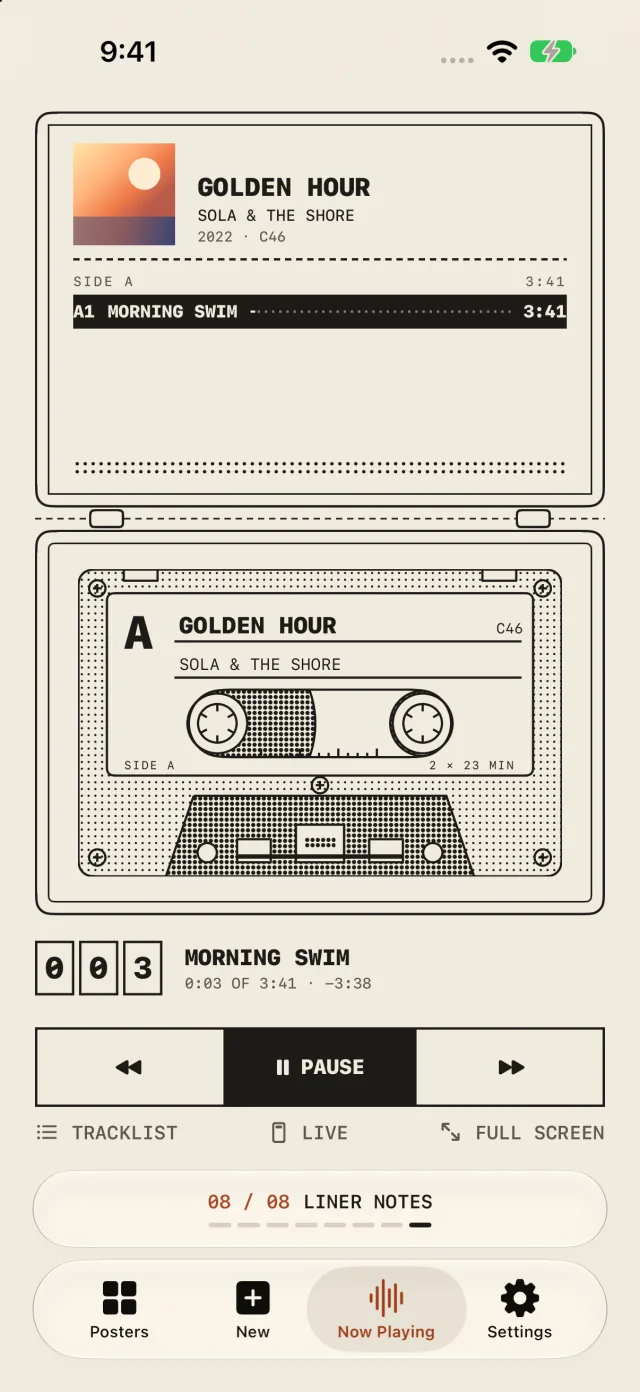
Open Case. A cassette case lying open, its reels winding as the album plays.
Now Playing shows what plays and keeps none of it. Posters still come from MusicBrainz.
B2Lock Screen
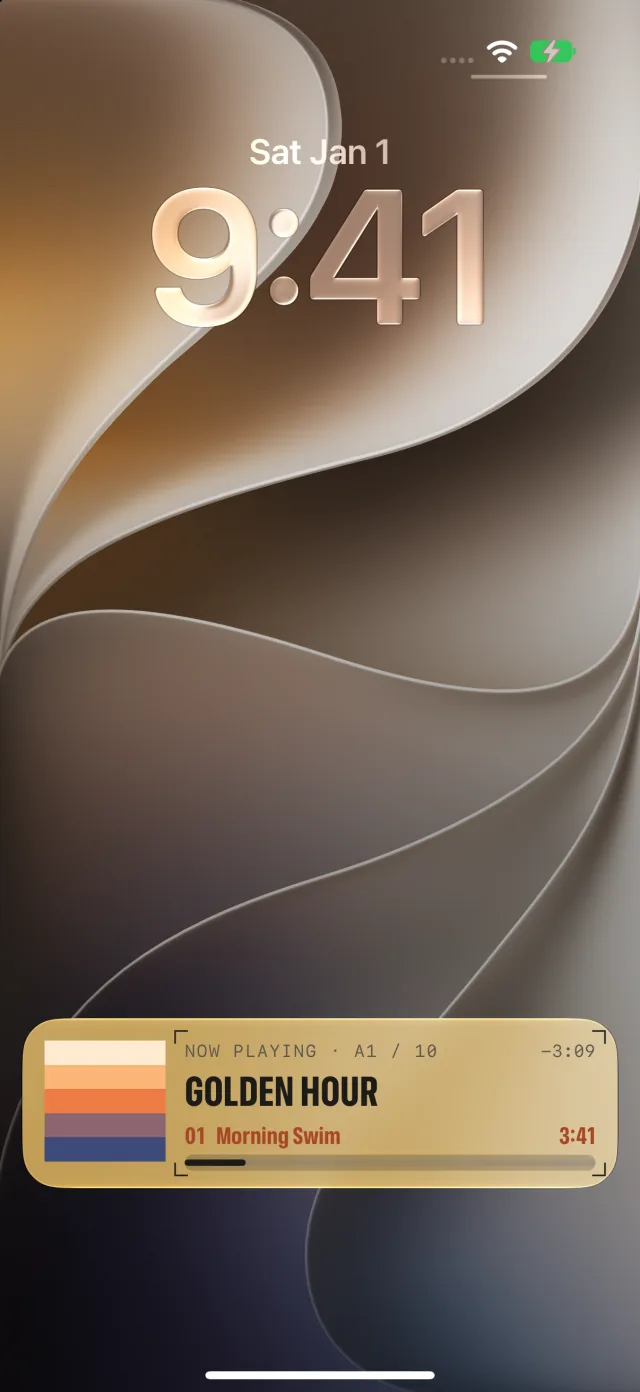
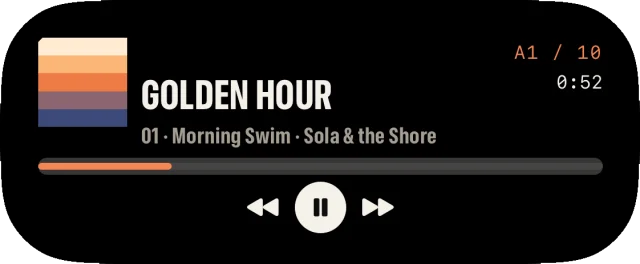
On iPhone the song playing stays on the Lock Screen and in the Dynamic Island, in the player’s style, with play, pause and skip.
B3Mini Player
On the Mac the mini player floats the song playing over your work, in four sizes, from a thin strip to a square with the album’s tracks.
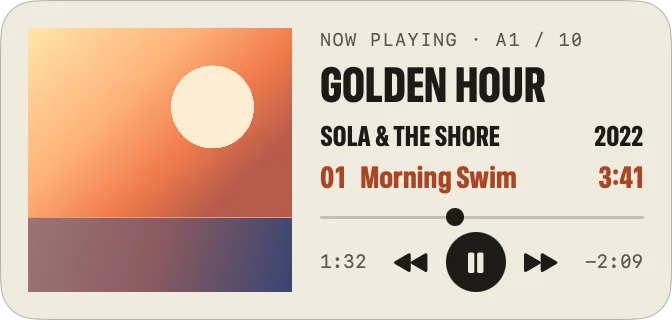
Window ▸ Show Mini Player, or ⇧⌘M. Right-click it to change its size and style, keep it on top or show it on every desktop.
B4Notch
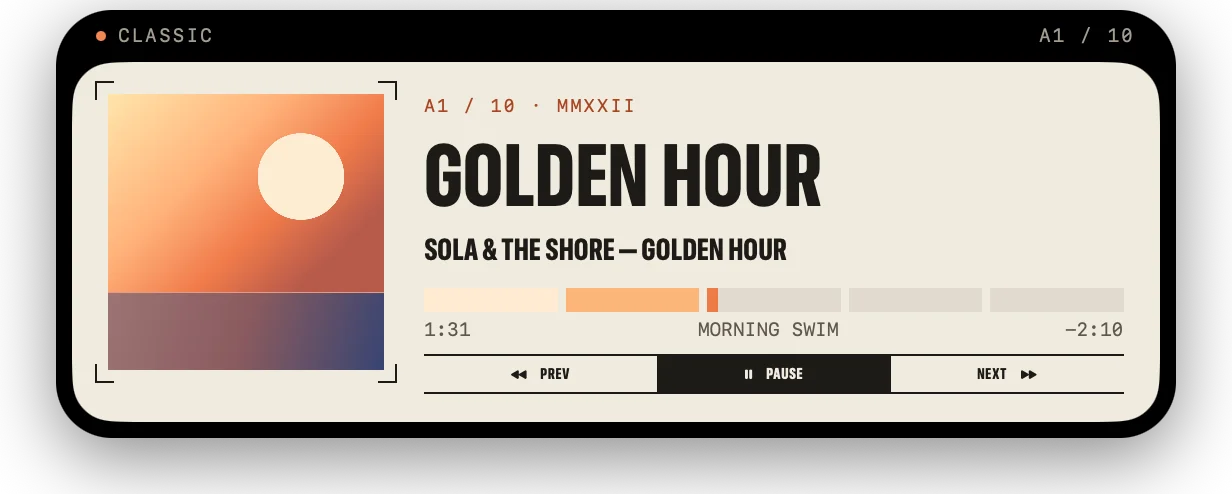
The notch player draws the song’s progress round your MacBook’s notch. Rest the pointer on it and it opens into the player. On a screen without a notch it’s a small pill in the menu bar.
 01Classic
 02Tracklist
 03Vinyl
 04Aura
 05Runtime
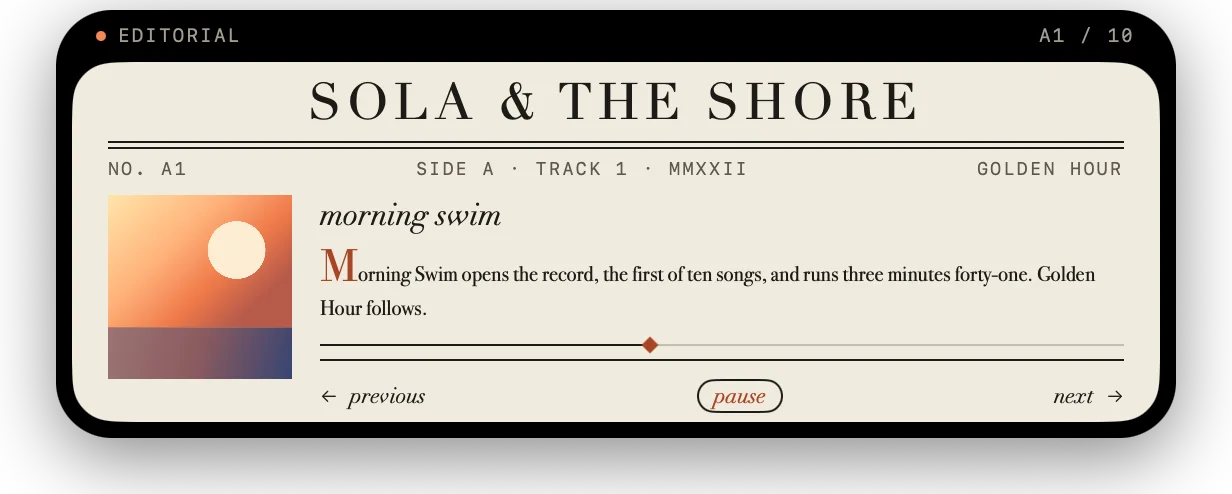 06Editorial
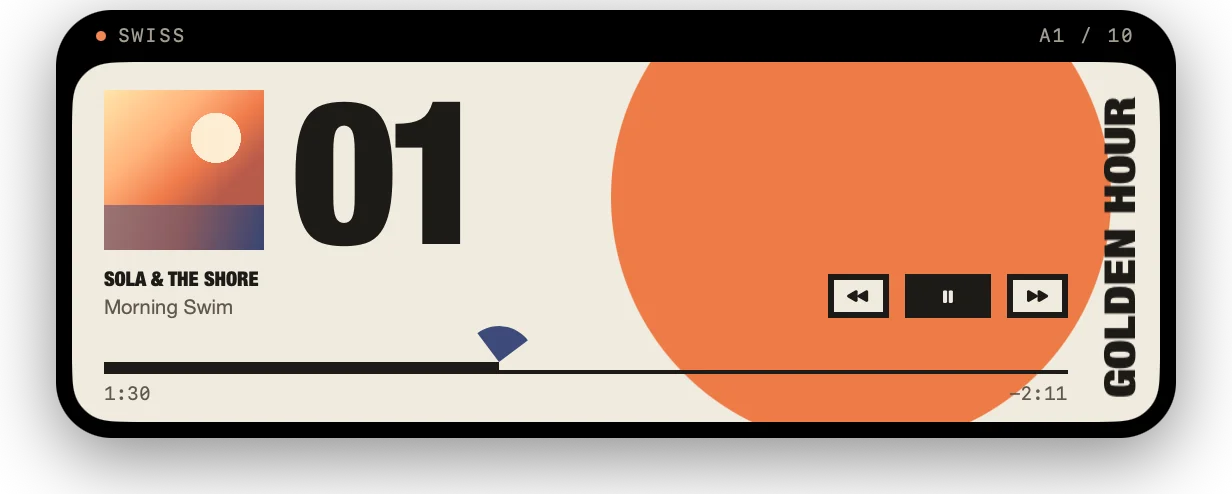 07Swiss
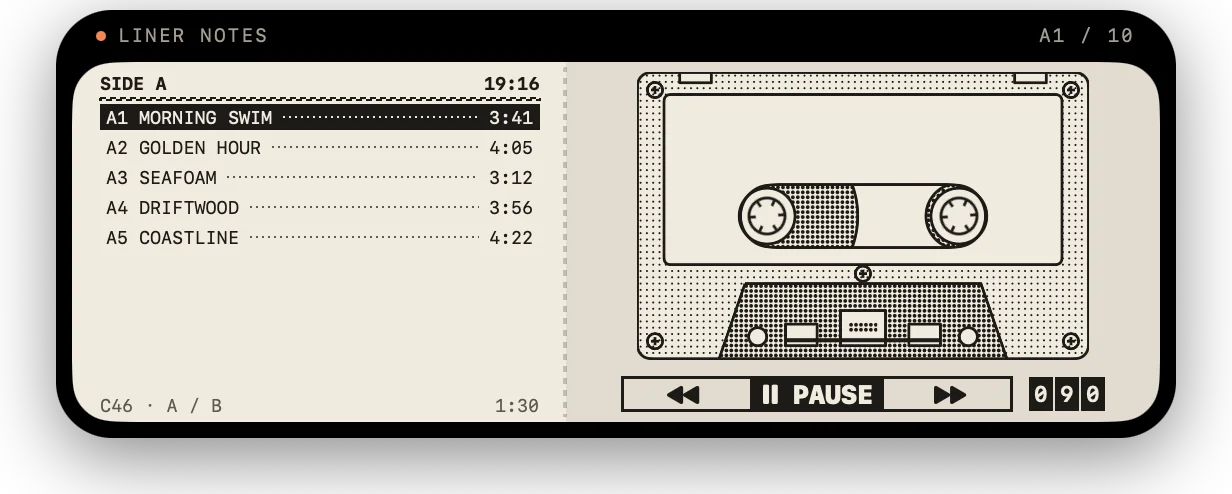 08Liner Notes
Window ▸ Show Notch Player, or ⇧⌘N.
For iPhone, iPad and Mac.
Coming soon to the App Store